Bring the job data your team already collects into Axiom. Review the draft with Ax, then export a native ESX.
Explore data to estimateXactimate Estimates
Automated
Built on the software your team is already using in the field. Integrate, draft, and refine with Axiom to build estimating capacity and timeliness without adding more overhead.
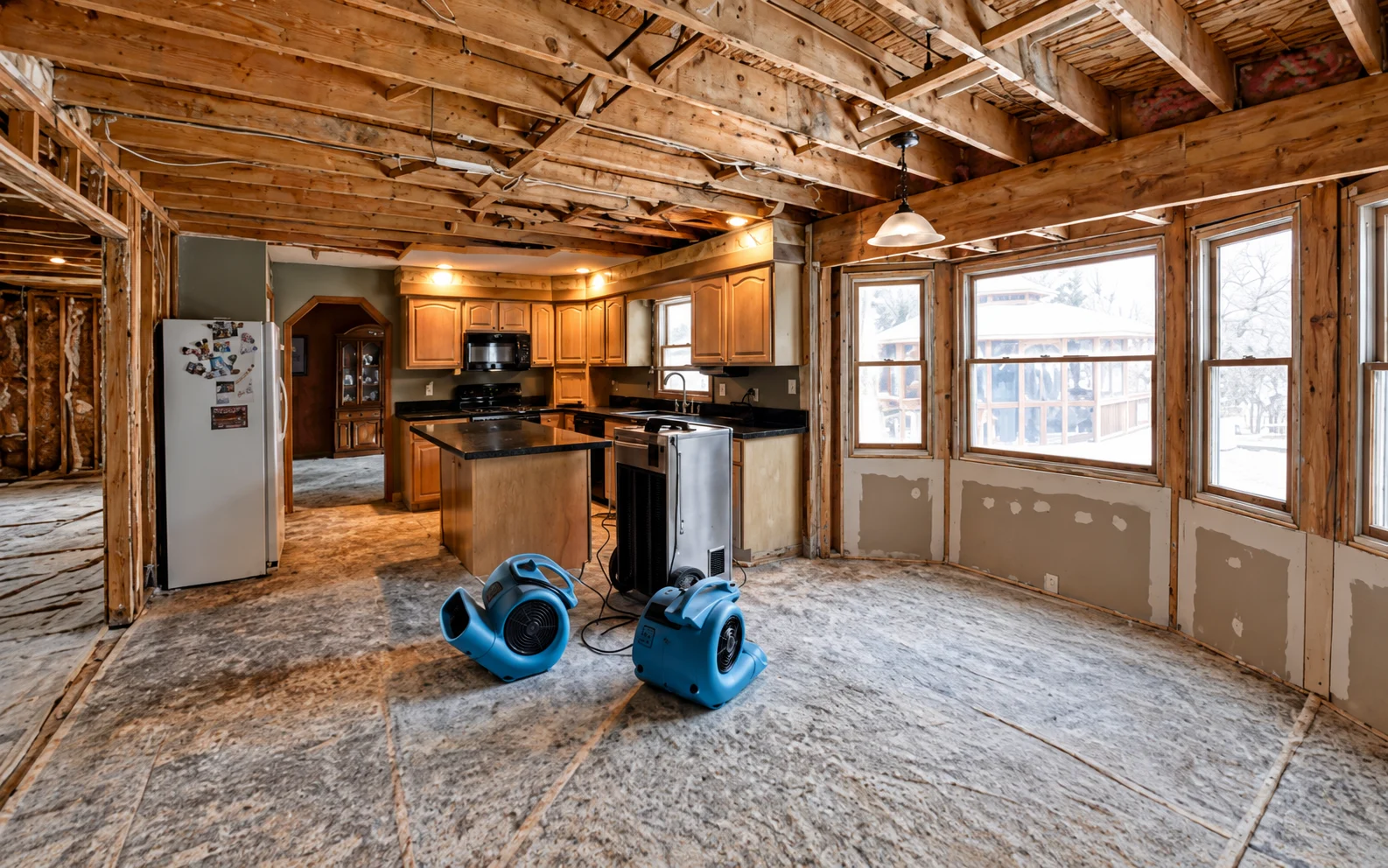
See the path from jobsite data
to an estimate ready for review
Axiom / interactive walkthroughIllustrative demo · sample data
DEMO PROJECTSample water lossKitchen · illustrative scope only
Room photosDamage & material details
Field notesDimensions & observations
“Kitchen: inspect affected baseboard. Confirm material and removal limits before finalizing scope.”Sample technician note
Step 1 of 4
Start with what your team already has.
Bring existing job documentation together. This sample uses room photos, dimensions and field notes to show the evidence behind a draft.
No uploads, live AI calls, estimates or downloads. All actions stay in this demo.Watch the real product
Your job data.
Your next estimate.
Start with photos, an estimate PDF or two estimates to compare. Work with Ax to build the scope, review the details and keep the final call with your team.
Turn an estimate PDF into an editable ESX. Check the line items with Ax before your team approves the scope.
Explore pdf to esxCompare two estimates for scope and quantity differences. Review the missing items before deciding what belongs.
Explore comparative estimatesCreate estimates in the field or at your desk.
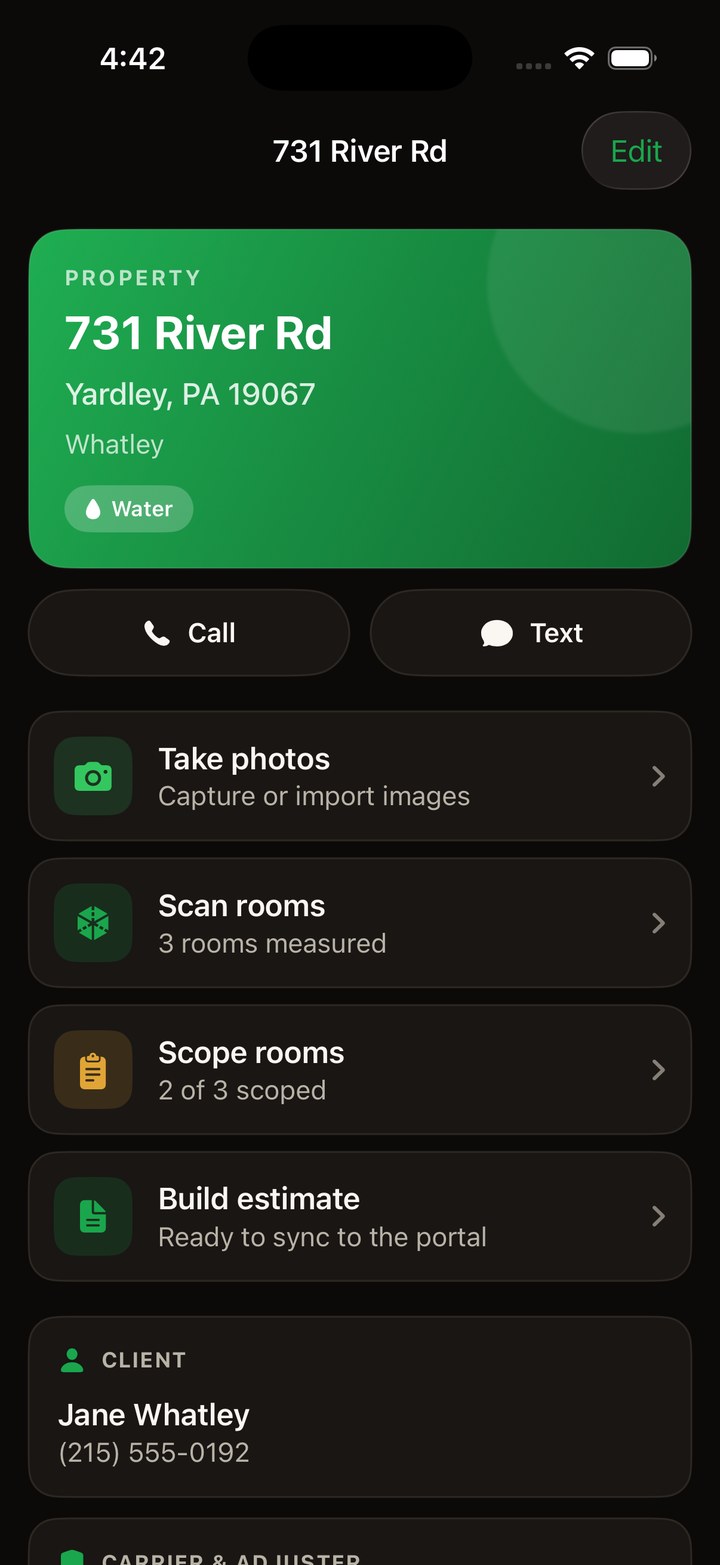
Bring the job documentation your office and field teams already collect into one workspace. Check the sources, refine the scope with Ax, and review the estimate before exporting a native ESX to continue in Xactimate.
See both in detail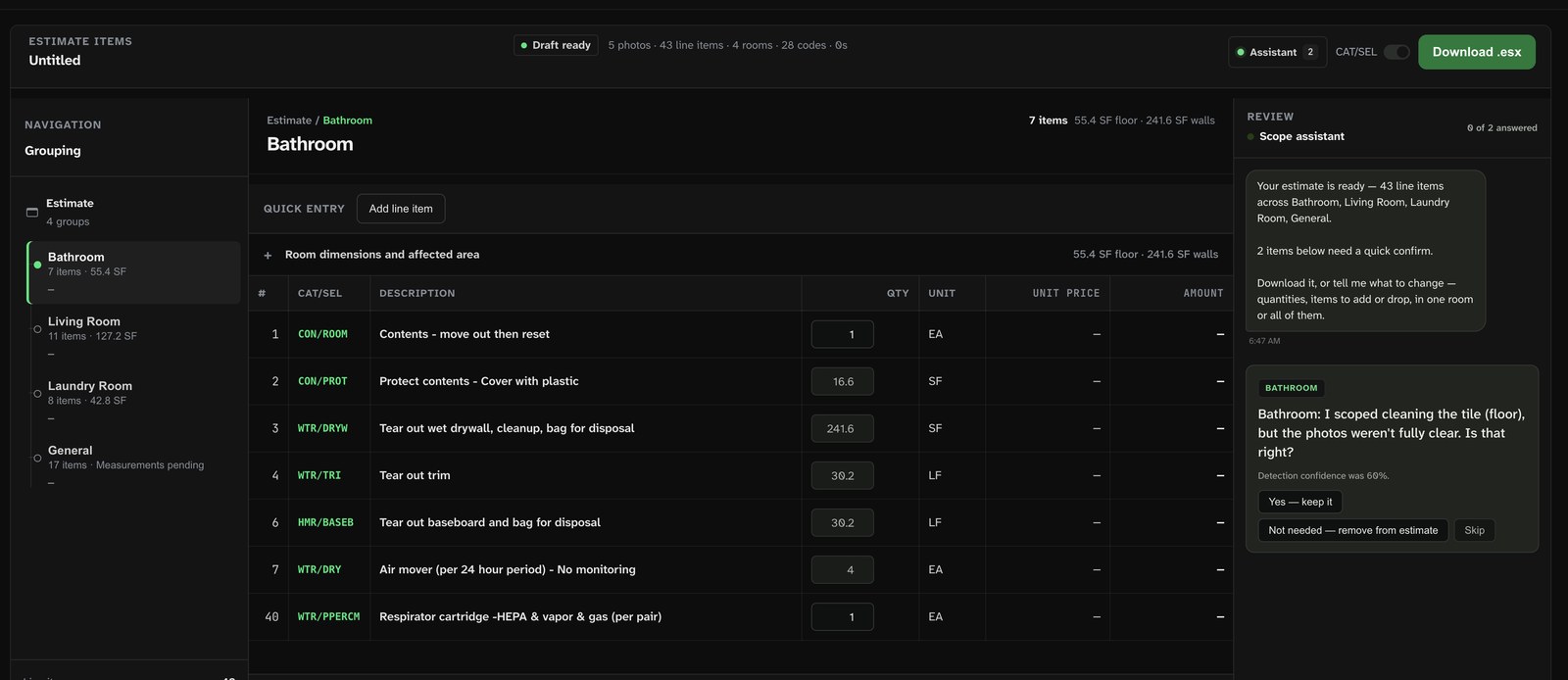
Built for owners and
estimators.
“I want the photos, notes and draft in one review, so I can check the scope before it carries our name.”
Built with your tools in mind.
Not against them.
Use existing job files and supported documentation share links in Axiom. Review the sources and scope with Ax, then export a native ESX for Xactimate.
See how the handoff works CompanyCamShare-link photo intake
 DocuSketchShare-link photo intake
 Google DriveUpload existing files
 EncircleShare-link intake
 EagleViewRoof-report input
 HOVERRoof-report input
 JobNimbusCRM handoff concept
 XactimateNative ESX file handoff
 AlbiwareCRM handoff concept
 CleanClaimsJob documentation workflow
 PSACRM handoff concept
 JobSightCRM handoff concept
 JobDoxJobDoxCRM handoff concept
- + More+ MoreExplore integrations
Keep the tools your crew already knows.
Your team already has a way to document a job. Keep it. Bring photos, notes and measurements into Axiom through file uploads or supported share links from CompanyCam, Encircle and DocuSketch.
Xactimate stays in the workflow.
Build and review the draft with Ax, then open the native ESX in Xactimate on your own price list. Your estimator finishes the scope in the workspace they already know.
Latest from the blog
Practical notes on field documentation, estimating and the work of restoration.
Remote monitors changed why I go back to the job, not whether
If your job data lives in five systems, you are paying people to reconcile it
"92 percent accurate" is not a number until you ask four questions
Your TPA is scoring timestamps. Here is where software moves each one.
AI reads surfaces. Your estimate is made of objects.

What the meters actually tell you on day one, and what they don't
Axiom vs. Rebuild: who's actually in restoration
Axiom vs. Wave: a PDF adjusters accept, or a file Xactimate opens
Bring a job you have already written.
Request a walkthrough using a file your team already knows. Review the workflow against your own estimate, then talk through your expected volume and plan fit.
- A job you have already scoped and reviewed
- A room-by-room look at the draft and Xactimate handoff
- Straight answers on plan fit and estimate volume